 Billerbook
Free and open source · macOS
Lay out photo books fast. Print them anywhere.
Billerbook is a photo book editor for the Mac. Drop in a folder or a Lightroom collection, flip through layouts with the space bar, and export a PDF with bleed, spine and cover at the sizes your print shop specifies.
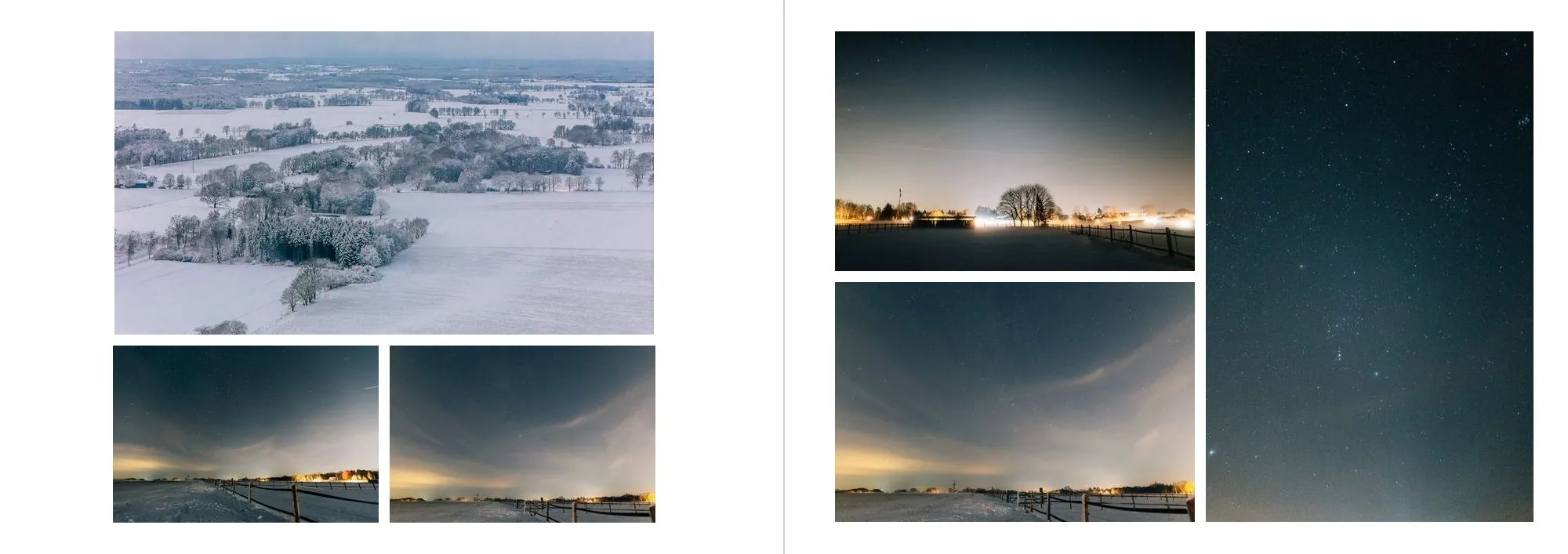
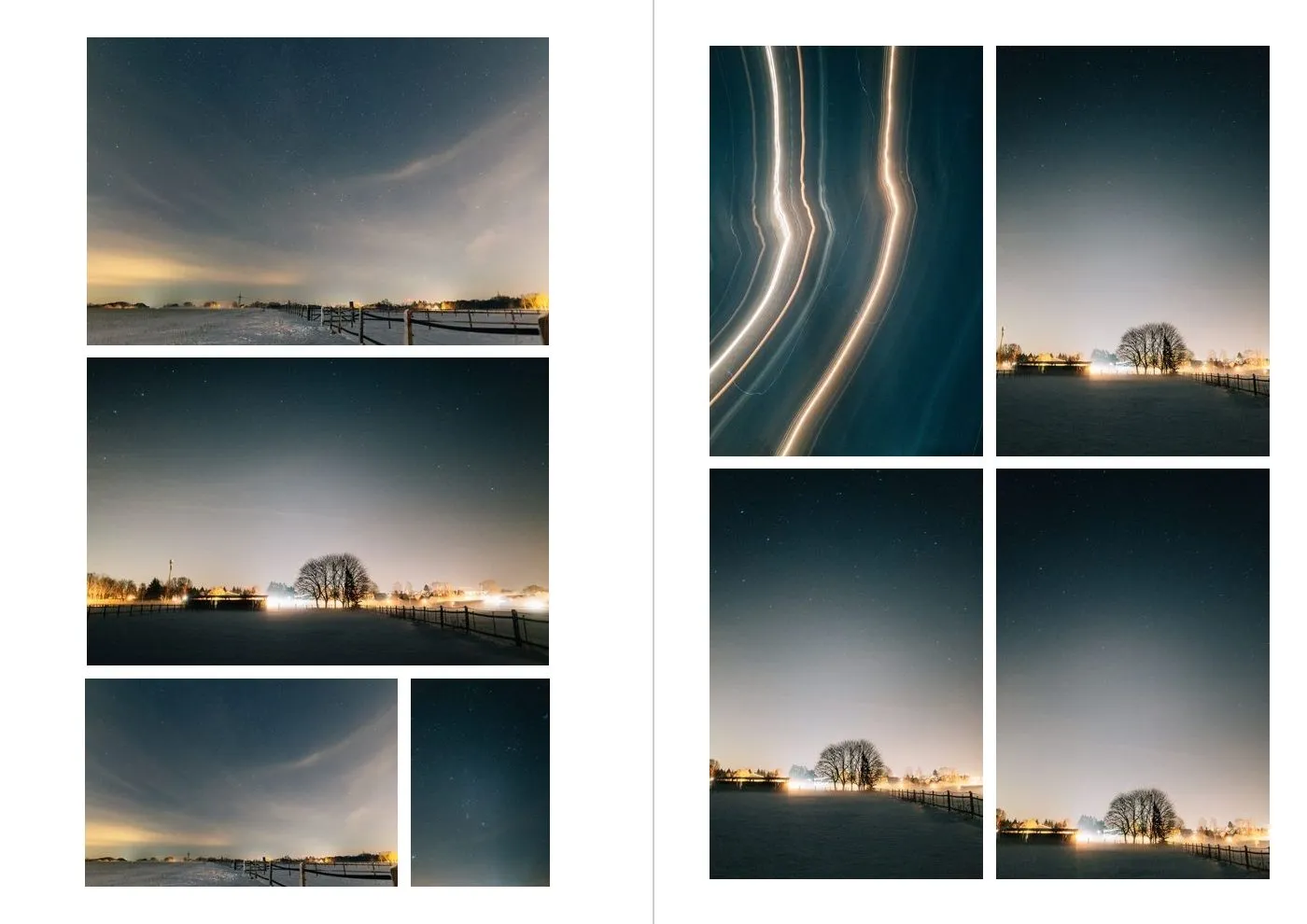
Every year I made a family photo book the same way. Pick the photos in Lightroom, lay them out in the Book module, export, then repair the PDF in InDesign until the print shop stopped complaining about bleed.
Then I made a portrait softcover with fewer pages for the relatives, which meant doing most of it again. Cropping a photo to fill a page, or back, took far too many clicks.
Billerbook is the tool I wanted instead. It runs on your Mac, leaves your originals untouched, and writes PDFs with the trim, bleed and cover sizes print shops ask for.
Fast where layout usually gets slow.
The parts that cost the most time in other tools are single keystrokes here.
Crop without the fiddling
Drag inside a frame to move the photo, scroll to zoom. F toggles between filling the frame and showing the whole photo. V makes it a full-bleed page. Billerbook finds the subject of each photo, so automatic crops keep faces and horizons in view.
Your Lightroom selection, always in view
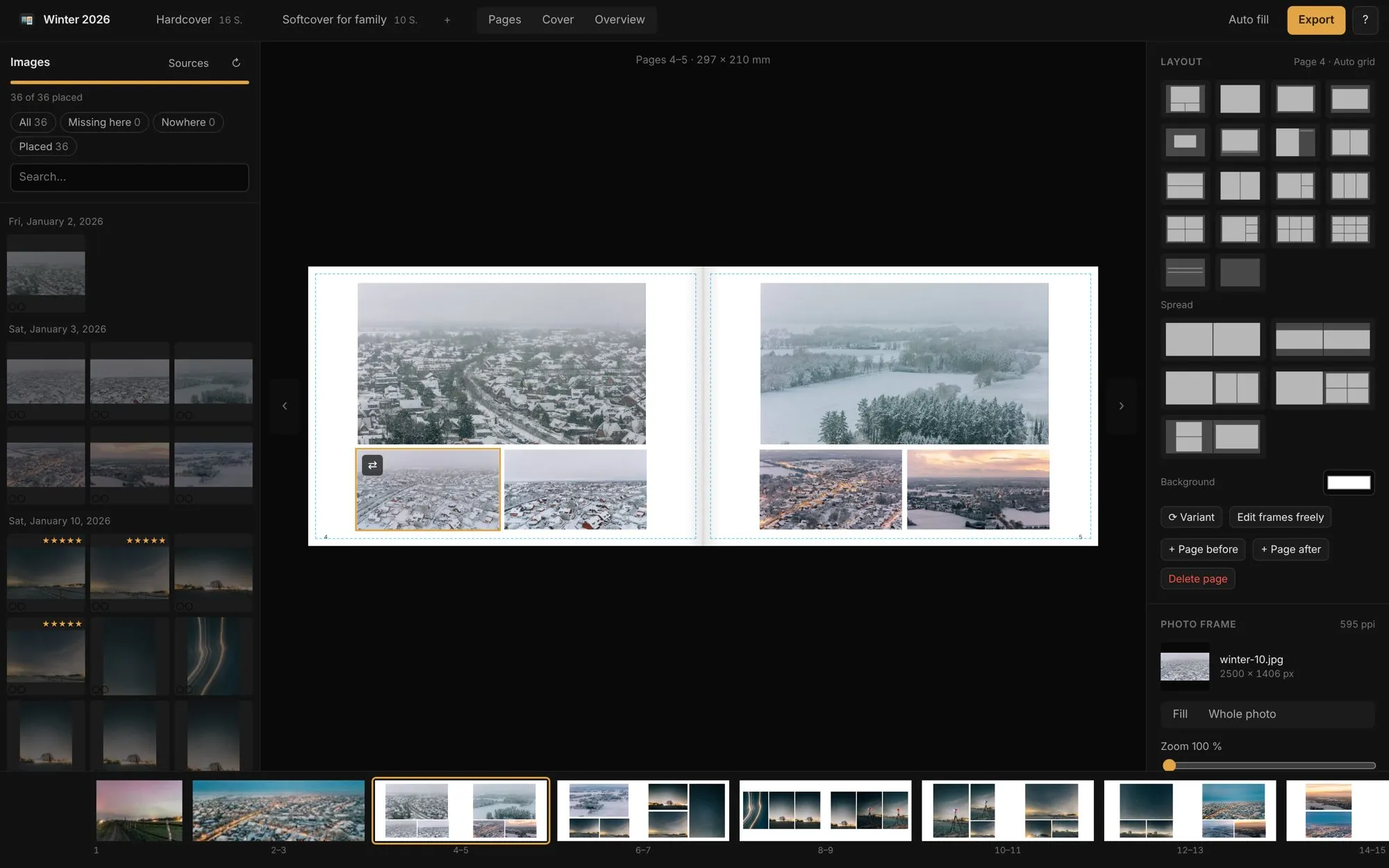
Point Billerbook at your Lightroom Classic catalog and pick a collection. Every photo shows whether it is already in the book, and in which edition. Books you started in Lightroom's Book module import with their pages. The catalog is only read, never written.
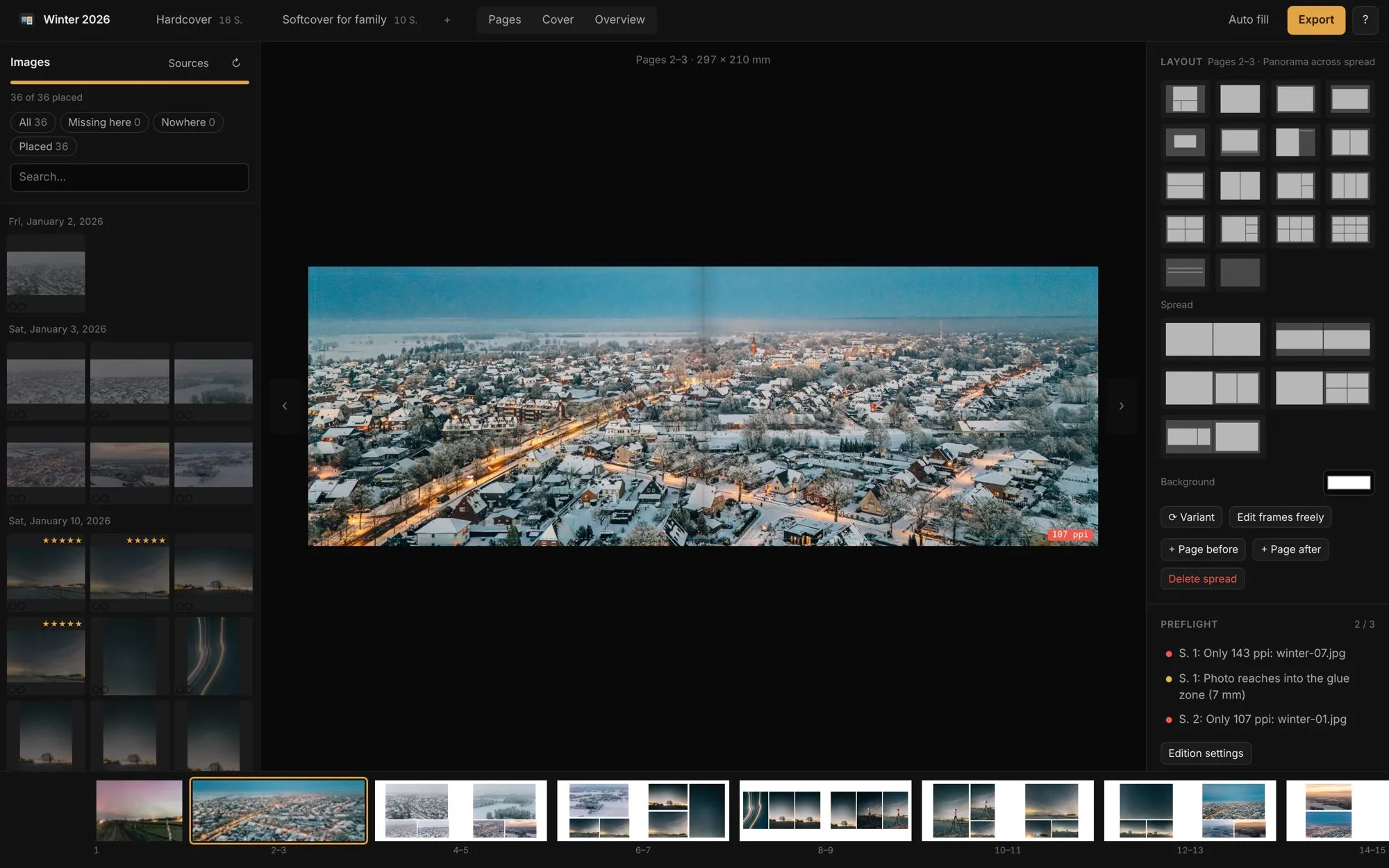
Preflight before you pay
Low resolution, photos in the glue zone, empty frames, missing files and a wrong page count show up in a list. Click an entry to jump to the spread.
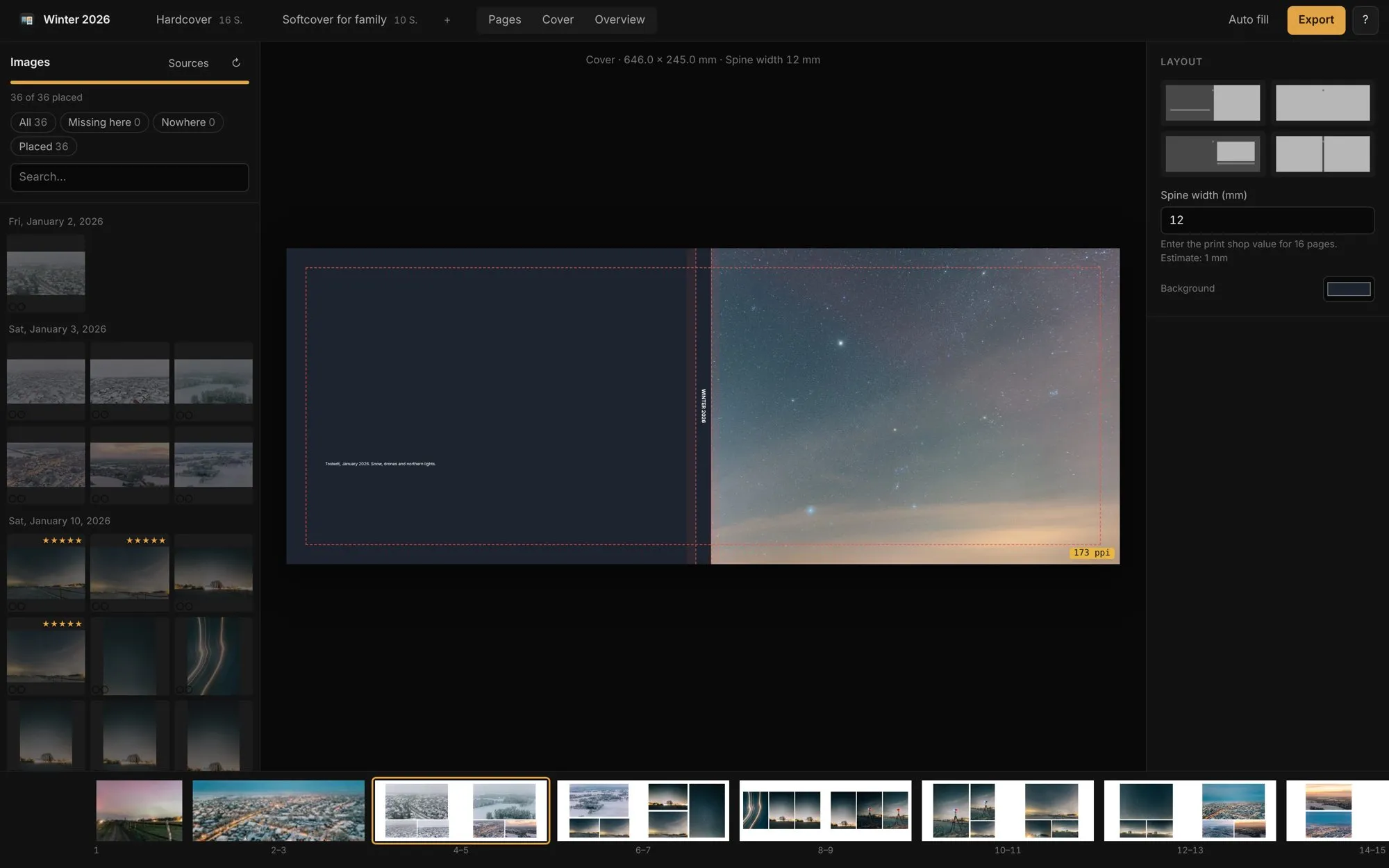
Cover with a real spine
The cover is sized from page count and paper, including spine width, turn-in and hinge. Billerbook sets the title and spine text, and you can change both.
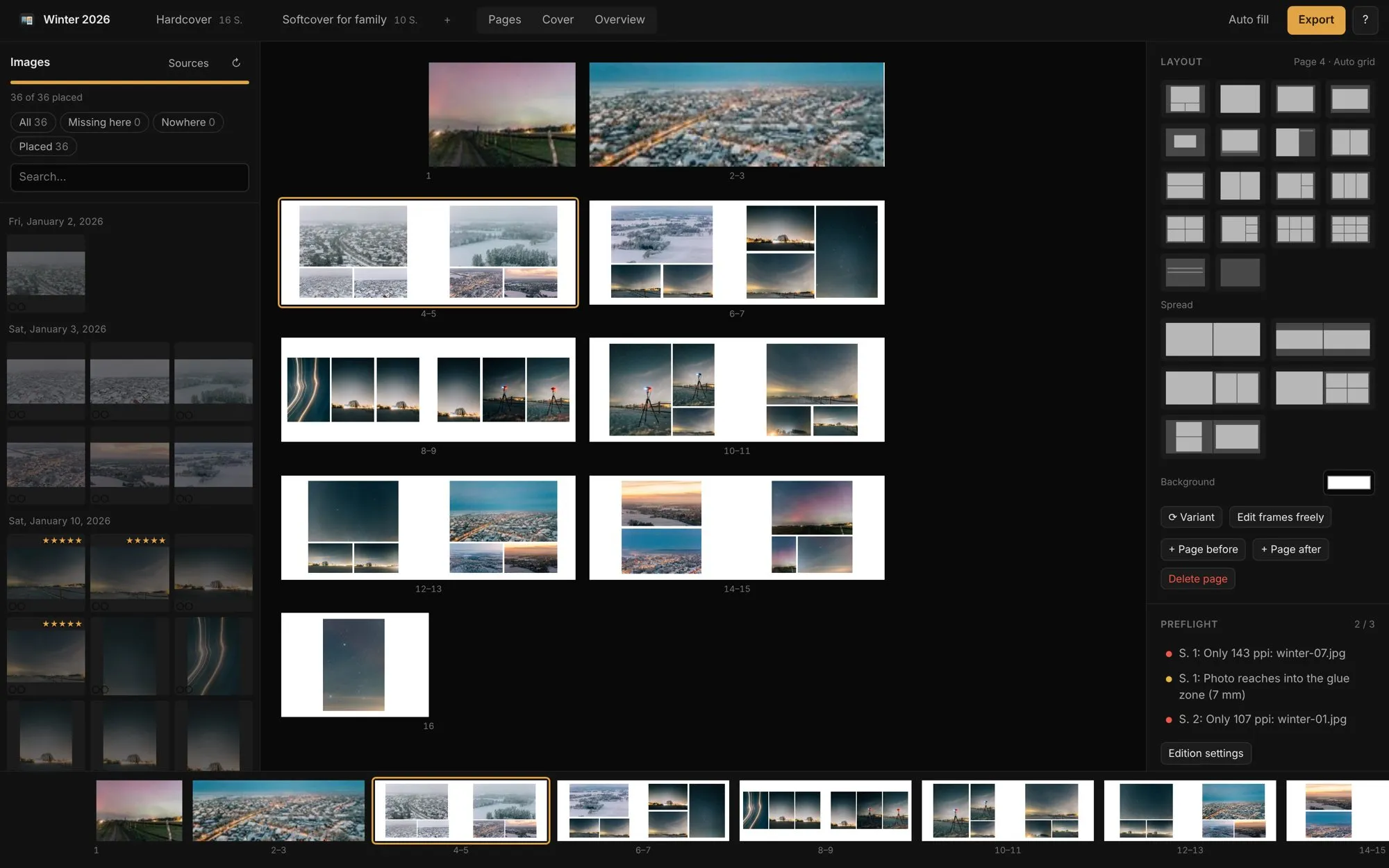
Keyboard first
Space cycles through arrangements of the photos already on the page. Number keys pick a layout with that many photos.
Ask your AI to build the book
Billerbook includes an MCP server. Claude or another assistant can read a folder, lay out the book, render each spread as an image and change the ones that don't work. You check the result in the app.
YouMake a 60-page landscape book from ~/Pictures/Iceland 2026. Keep the 5-star shots on their own pages.
AssistantCreated the edition Hardcover, 60 pages, 142 photos. Spread 14 had two horizon shots stacked; switched it to a full-bleed pair. Preflight is clean.
Several books from one set of photos.
A detailed landscape hardcover for yourself and a shorter portrait softcover for the family can share the same photo pool. Each edition has its own format, page count and layouts. Layouts adapt when the format changes.

From folder to print shop in four steps.
Add photos
Drag in a folder, pick a Lightroom collection, or let your AI assistant do it.
Pick a format
Choose a print profile and a size. Bleed, safety margin and glue zone come with it.
Lay out
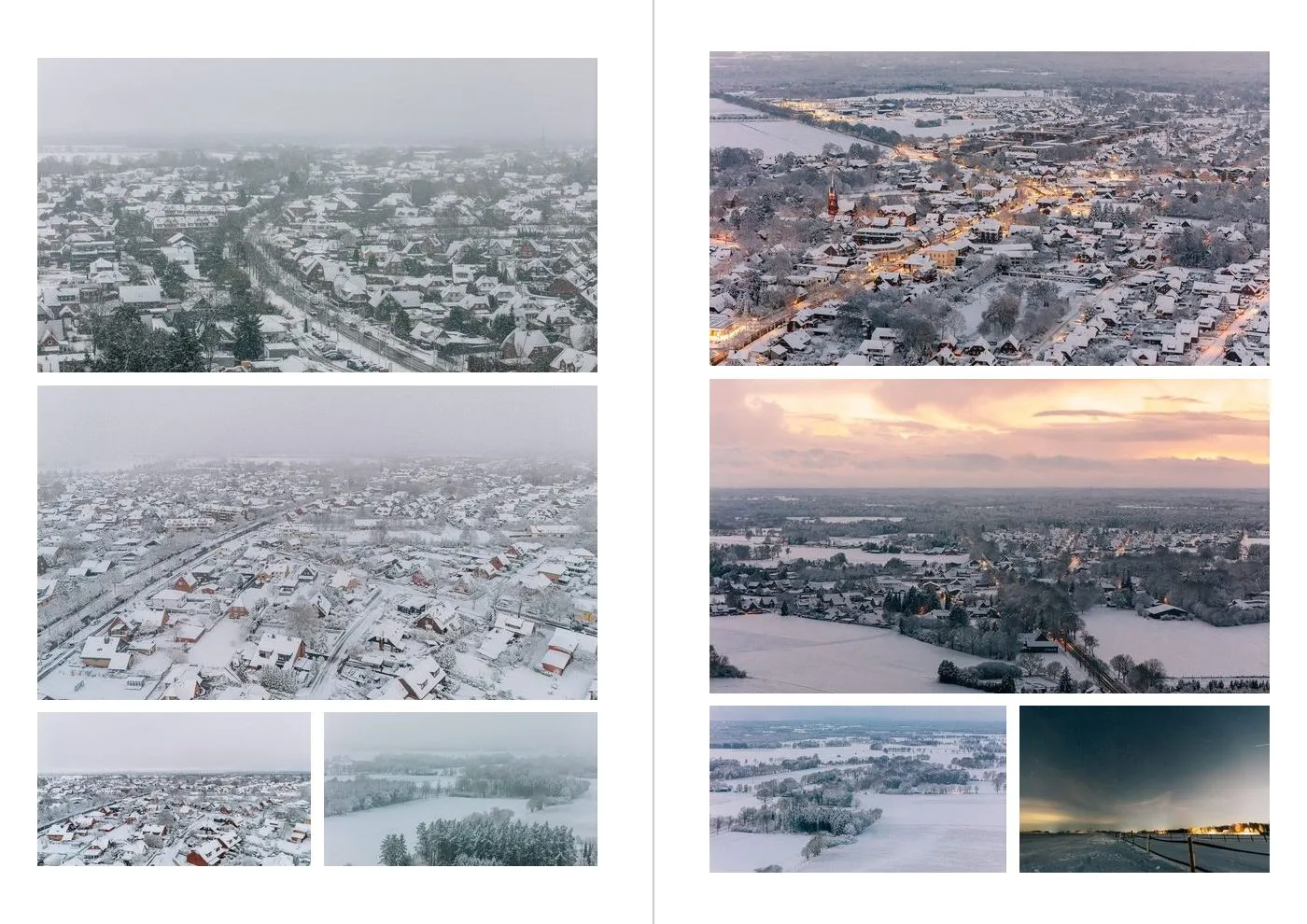
Auto-fill makes a first draft. Then you change spreads with the keyboard or by dragging photos.
Export
Interior and cover as separate PDFs, RGB or CMYK with an ICC profile, ready to upload.
PDFs in the format print shops ask for.
Billerbook writes standard print PDFs with trim and bleed boxes, embedded output intent and images at full resolution. Any print shop that accepts PDF uploads can print them. Print profiles hold what differs between shops.
| Bleed | 3 mm |
| Safety margin | 5 mm |
| Glue zone, hardcover | 7 mm |
| Cover | spine from page count |
| Colour | RGB or CMYK + ICC |
| Profiles | WIRmachenDRUCK, custom |
The values above come from the WIRmachenDRUCK profile, checked against the shop's data sheets and real printed books. The custom profile lets you set every number for another shop.
Questions
Is it really free?
Yes. Billerbook is open source under the AGPL-3.0 licence. There is no paid tier, no account and no trial.
Does it run on Windows or Linux?
The download is a Mac app. The editor itself is a local web app written in Node.js, so it also runs on Windows and Linux from source. Instructions are in the README.
Which print shops does it work with?
Any shop that takes print PDFs. Billerbook ships a profile for WIRmachenDRUCK. For other shops you enter bleed, margins and cover numbers from their specification once. Send a profile with a link to the shop's data sheet and it goes into the next release.
Do I need Lightroom?
No. A folder of JPEGs is enough. Lightroom Classic support is there for people who already select their photos there.
Will it change my Lightroom catalog?
No. Billerbook opens the catalog read-only and, if Lightroom has it locked, reads a copy. Your originals are never modified either.
Do my photos leave my computer?
No. Everything runs locally. The app only goes online to check for updates.
How do updates work?
The Mac app checks GitHub releases and installs new versions after you confirm.